Canva today: much more than just a graphic design tool
We’ve already explored what Canva is and why it is considered a revolutionary, intuitive, and accessible platform for online graphic design. We looked at how to sign up, the differences between the available versions (free and paid), and the basics for getting started.
Today, however, Canva is no longer just a platform for creating eye-catching graphics. Over time, it has evolved into a much more comprehensive tool, integrating features that range from file conversion and PDF management to automatic document translation and AI-powered tools.
In this article, we’ll take a closer look at some of the available features, explaining how to use them and highlighting when they can be especially useful.
Image conversion and management: from JPG to PDF, PNG, and unified files
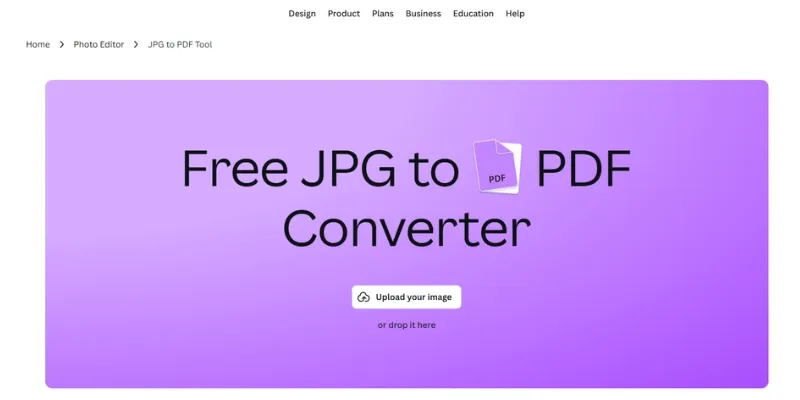
Canva offers practical and fast tools to convert and organize your files in just a few clicks, directly online and without installing additional software. For example, converting a JPG image to PDF can be useful for archiving documents, sending them via email, or reducing file size. Once the file is uploaded, you can edit it before downloading: add text, graphic elements such as stickers and icons, insert a background, and rearrange the layout using built-in editing tools. With Canva, these operations are free and help you maintain high image quality.
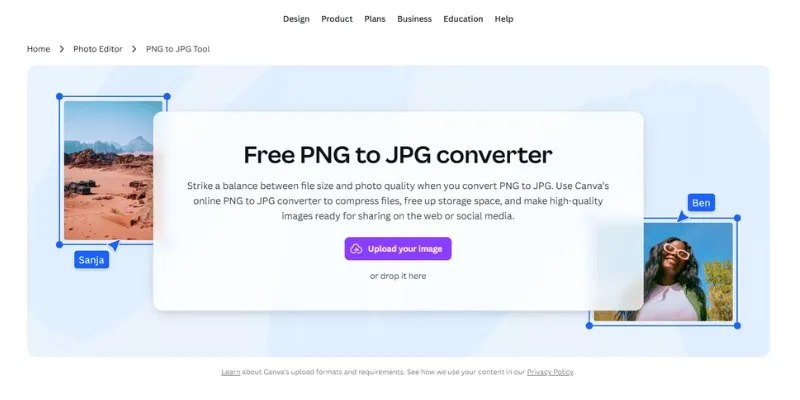
In addition to converting to PDF, you can easily switch from PNG to JPG. This is particularly useful when optimizing images for websites or social media, as it reduces file size without compromising quality, speeding up loading times and saving storage space. After selecting your PNG file, you can edit and customize it using the integrated photo editor. Once you’re satisfied, simply download it in JPG format.
Finally, Canva also allows you to merge multiple JPG files into a single document, creating custom grids or collages for any type of creative project. It’s a perfect tool for designing e-commerce product sheets, quick presentations, digital catalogs, or social media posts. You can crop images, add margins, insert text or other graphic elements, and achieve professional results without switching platforms or installing additional software.
Automatic translation of PDFs, documents, and even images
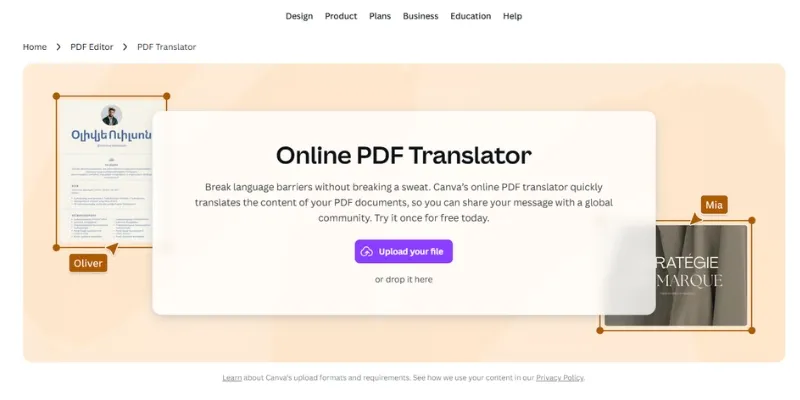
You can translate full documents by uploading files in various formats and selecting the language you need. Canva’s AI-powered online translator processes the content and quickly provides a properly formatted document ready to download.
Canva allows you to translate PDFs into Italian from English and more than 100 other languages: simply upload your document and choose the desired language.
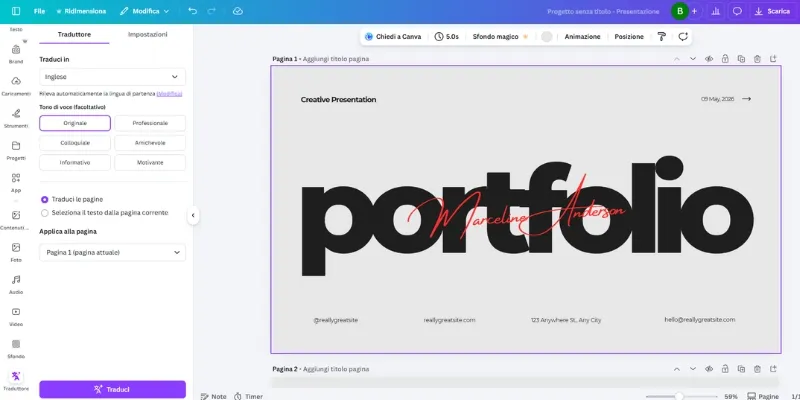
There is also a built-in text translator, ideal for translating content directly while creating your project. The process is simple: enter your text, select the language, and receive your translation within seconds.
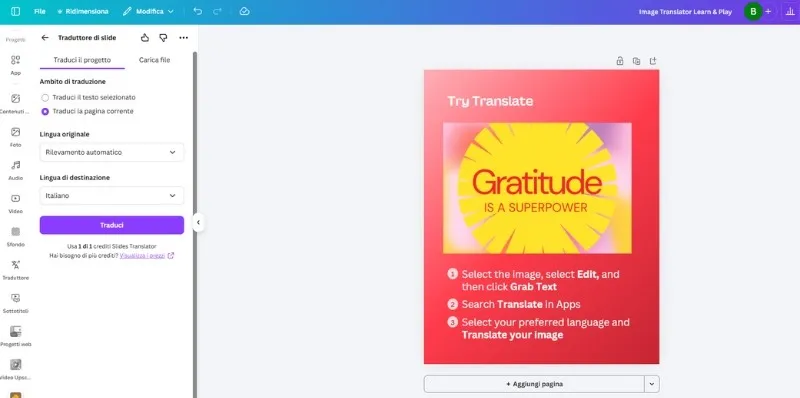
With the photo translator, you can upload an image containing text (such as a poster) and translate its content while preserving the original layout and design. This saves you from starting from scratch and significantly reduces the time required to adapt your materials.
Do you want to know how to increase visits to your website?
Book a free appointment online now.
Creating professional presentations
Canva is also an excellent tool for presenting your data in an effective and creative way. You can create professional presentations quickly and easily. The interface is highly intuitive: start with pre-designed templates or build a fully customized presentation from scratch. You can add text, images, videos, charts, and animations, organizing your slides according to your needs.
In addition, you can generate your presentation with the help of AI using Magic Design™, Canva’s advanced design generator, which helps you quickly transform ideas into polished visual projects.
Create custom stickers, invitations, and personalized content
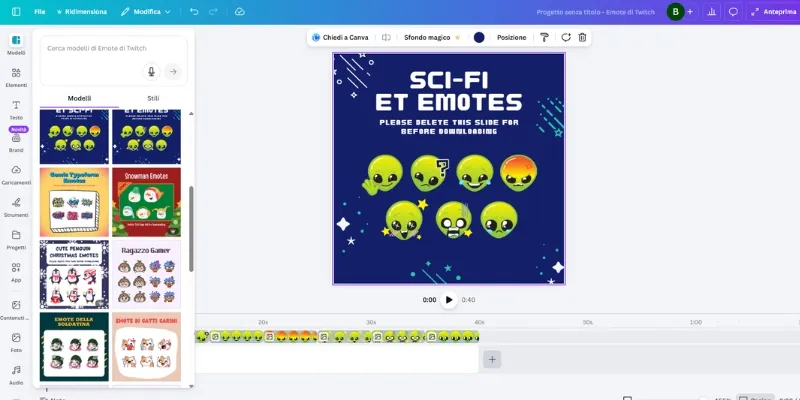
With Canva, you can unleash your creativity by designing custom WhatsApp stickers using personal images or graphic elements available in the library. Once created, you can export them and use them in conversations to make your messages more engaging and fun.
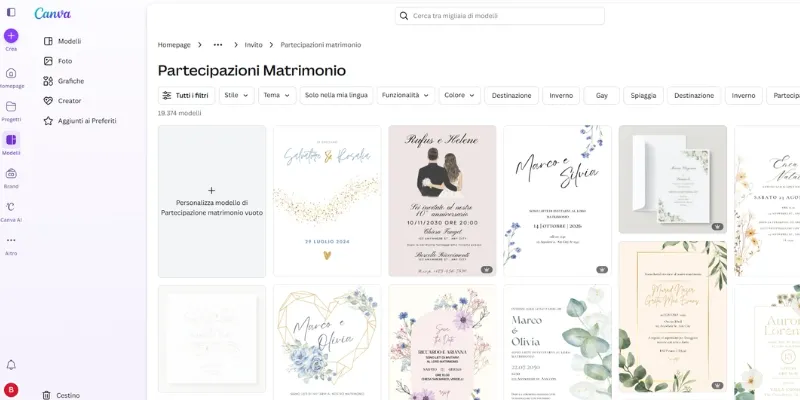
The platform also offers templates for special events. You can customize everything: text, colors, fonts, and images, adapting the design to your preferences. This is a practical solution if you want a polished result without hiring a professional designer. For example, among the many free templates available, you can find wedding invitation designs that allow you to create personalized invitations for your ceremony at no cost.
The latest AI features: grammar checker and Face Swap
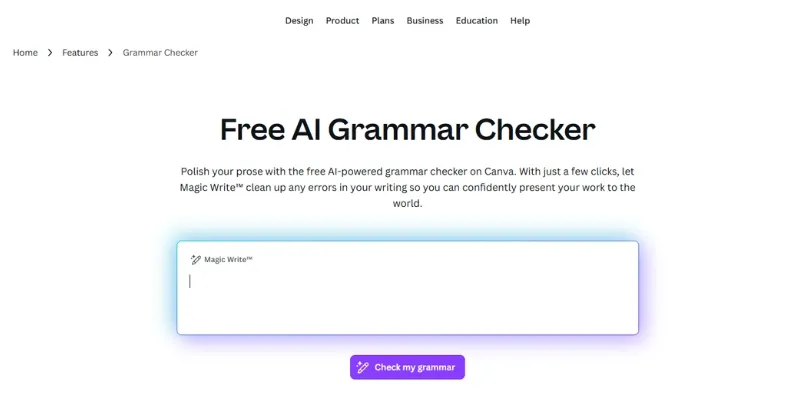
To make your workflow even smoother, Canva has introduced an AI-powered grammar checker that helps you refine the text in your projects. It identifies potential errors and suggests improvements, which is particularly useful when preparing official documents, presentations, or public-facing content, especially when you’re short on time.
The Face Swap feature, on the other hand, allows you to replace a face within an image with that of another person, for example, swapping a blurred face with a clearer one. It can also be used to create fun photo edits and memes to share with friends.
We’ve seen that Canva is much more than a graphic design tool. Whether you use it for work, study, or personal projects, understanding these features can help you save time and create original, engaging content.
A tip? Try the tools you’ve never used before. They might simplify your work more than you imagine.